A Piece of Art. KINKEEPA. For a Loved One. A lasting place for their story. A family sharing memories around a laptop.

A lasting place for their story

Buy Now – A$199

Includes 5 free Family Keepsakes, worth A$58.75.

A lasting place
for their story

Create a beautiful online memorial to celebrate their life, share memories and keep them close for generations to come.

Create a Memorial →

One-time purchase · Editable digital template · No subscription

A lifetime of precious memories — illustrative memorial design

A lifetime of precious memories

Bring together photographs, stories and treasured moments in one beautiful place for family and friends to revisit.

Beautiful memories, always close — illustrative memorial design

Beautiful memories, always close

Visit a loved one’s memorial from your computer or phone, wherever life takes you.

A place for the stories behind the photographs

KINKEEPA helps families build a warm tribute without design or coding experience. Personalise each section, preview the story, then share it with the people who matter.

✦

Tell their story

Preserve a biography, milestones and everyday moments that made their life unique.

♫

Hear their voice

Save a treasured voice recording or record a family memory, ready to hear again.

How to

Tip: Choose means tap it on a phone or click it on a computer.

  1. Open your Studio.
  2. New memorial? Choose Publish & copy link first. This saves it online.
  3. Go to section 5, Favourite music. Find Hear Their Voice.
  4. Got a recording already? Choose a sound file from your phone or computer. It must be smaller than 10 MB.
  5. Want to record now? Choose Record their voice. Say yes when it asks to use your microphone.
  6. Talk. When you finish, choose Stop recording. You can record for up to 5 minutes.
  7. Press play to listen to it.
  8. Tick the box I have permission to save and share this recording.
  9. Choose Save voice recording.
  10. Wait until you see Voice recording saved. Done!
♡

Share with care

Choose private (family only) or public. Open the link yourself before you share it.

How to

Tip: Choose means tap it on a phone or click it on a computer.

  1. Open your Studio. Go to section 7, Sharing.
  2. Find Who is this for?

Only family and friends (private):

  1. Choose Family and friends with the link.
  2. Choose Publish & copy link. Wait for it to finish saving.
  3. Find Family viewing invitations. It is below the photo controls.
  4. Choose Create view-only invitation.
  5. Copy the link under New invitation link.
  6. Send that link to one person in a private message.
  7. Do steps 6 to 8 again for each person. Each link works once and stops working after 7 days.
  8. Family can look at the memorial, but they can't change it.

Anyone can see it (public):

  1. Choose Public tribute.
  2. Choose Publish & copy link.
  3. Share that link with anyone.

Important: Never share your Studio access email. It's your private key for editing.

More than a memorial page

The details that make one life unmistakably theirs.

Biography

The places, people, work and chapters behind the photographs.

Photo Journey — up to 50 photos

Bring favourite photographs together in a slideshow. Move saved photos to your Family Library and bring them back without uploading them again.

How to

Tip: Choose means tap it on a phone or click it on a computer.

  1. Open your Studio. Go to section 6, Photographs.
  2. Find Photo Journey — choose up to 50 photos.
  3. Choose the button to pick photos. Pick them from your phone or computer.
  4. Look at the slideshow preview. Are these the right photos?
  5. Choose Publish & copy link.
  6. Keep the page open until you see Saved online. Done!

Already have 50 photos? Under a photo, choose Move to Library. That makes room. You can bring it back later.

Favourite music

A song or playlist link selected by the family.

How to

Tip: Choose means tap it on a phone or click it on a computer.

  1. Open your Studio. Go to section 5, Favourite music.
  2. Type the song or playlist name in Song or playlist title.
  3. Open Spotify, YouTube or your music app. Copy the link to the song.
  4. Paste the link into Spotify, YouTube or music link.
  5. Prefer a music file instead? Choose Or preview an audio file on this device and pick a song from your phone or computer. Only use a file you're allowed to share.
  6. Choose Publish & copy link. Wait until you see Saved online.
  7. Open the memorial and check the music. You may need to press play.

Cars & keepsakes

Vehicles, objects and treasures that carried their stories.

Sayings & catchphrases

The words everyone can still hear them saying.

Guided Studio

Plain-language editing, cropping, backup and sharing help.

Family Library

Keep extra saved photographs, songs and voice recordings in your Library. Choose what appears on the memorial and bring stored memories back when you want.

How to

Tip: Choose means tap it on a phone or click it on a computer.

  1. Open your memorial in Studio.
  2. New memorial? Choose Publish & copy link first. Wait for it to save.

To put something away:

  1. For a photo, choose Move to Library.
  2. For a song, choose Move song to Library.
  3. For a voice recording, choose Move recording to Library.

To find it again:

  1. Find Family Library. It is below the photo controls.
  2. Choose Refresh Library to see everything you've put away.

To bring it back:

  1. Choose Restore to slideshow (photo), Restore music (song) or Restore voice recording (voice).
  2. Slideshow already has 50 photos? Move one to the Library first to make room.

Deleted something by mistake?

  1. Choose Check Recently Deleted, then Restore to Library. You have 30 days to get it back.

Hear their voice

Upload a recording you have permission to share, or record a family memory in Studio. Listen alongside their photographs and stories.

How to

Tip: Choose means tap it on a phone or click it on a computer.

  1. Open your Studio.
  2. New memorial? Choose Publish & copy link first. This saves it online.
  3. Go to section 5, Favourite music. Find Hear Their Voice.
  4. Got a recording already? Choose a sound file from your phone or computer. It must be smaller than 10 MB.
  5. Want to record now? Choose Record their voice. Say yes when it asks to use your microphone.
  6. Talk. When you finish, choose Stop recording. You can record for up to 5 minutes.
  7. Press play to listen to it.
  8. Tick the box I have permission to save and share this recording.
  9. Choose Save voice recording.
  10. Wait until you see Voice recording saved. Done!

Keep a saved-media backup

Download saved memorial details, photos, music and voice recordings in one ZIP. Recently Deleted also lets you recover removed memories within 30 days.

How to

Tip: Choose means tap it on a phone or click it on a computer.

  1. Open the memorial you want to back up in Studio.
  2. Choose Publish & copy link to save your latest changes.
  3. New voice recording? Choose Save voice recording too.
  4. Wait for saving to finish.
  5. At the top of Studio, choose Download saved media.
  6. Read the message. Choose to confirm when you're ready.
  7. Keep the page open. A ZIP file will download. (A ZIP is lots of files packed into one.)
  8. Find it in your Downloads folder.
  9. Keep the ZIP somewhere private and safe.

What's in it? Your saved details, photos, music, voice recordings, Family Library and Recently Deleted. Music links stay as links, not song files.

Note: Download draft is a different, smaller backup. For the full backup, use Download saved media.
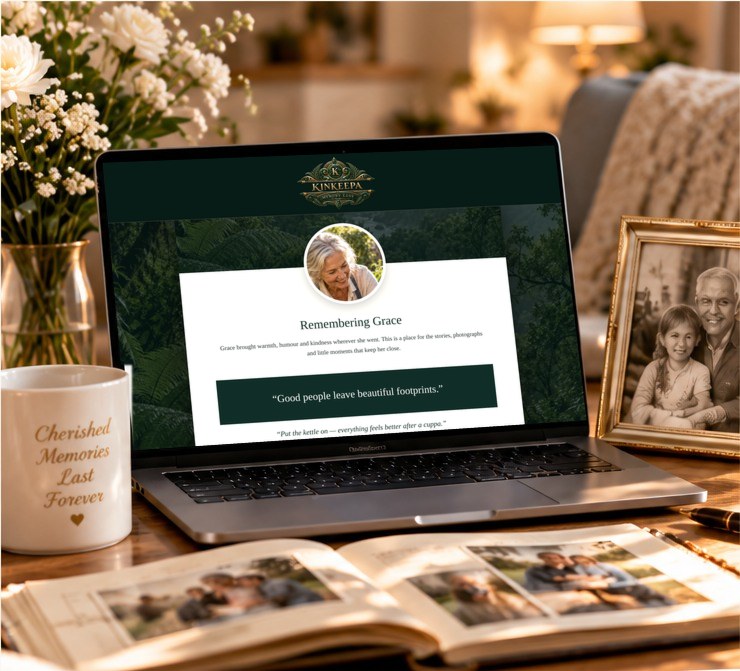
Create a lasting tribute — illustrative memorial design

Create a lasting tribute

Bring together their photos, stories, music and special moments in one beautiful place. A meaningful way to honour their life and keep their memory alive.
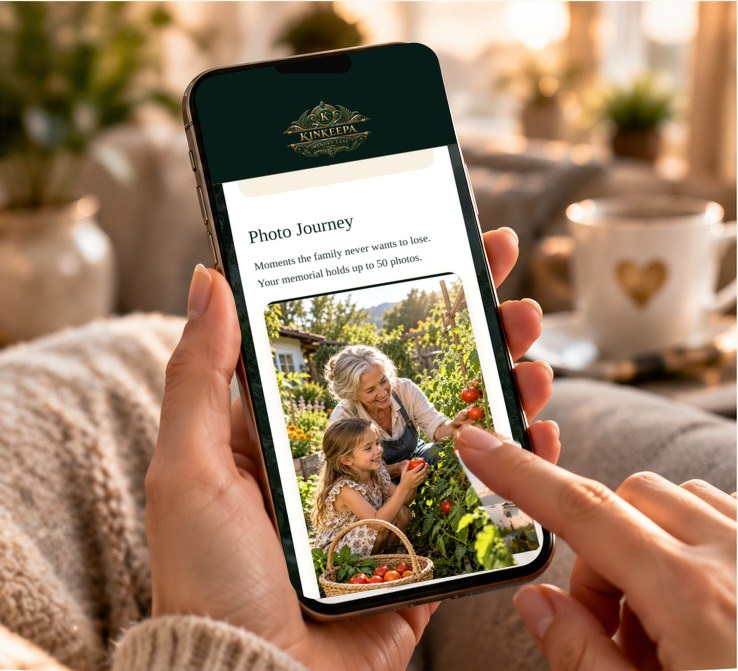
Always close, wherever you are — illustrative memorial design

Always close, wherever you are

Visit your loved one’s memorial on your phone, tablet or computer. Share with family and friends so everyone can revisit and celebrate their life, anytime.
What you receive

An editable memorial website, ready to make personal.

  • Editable names, dates, biography and life story
  • Profile photograph with simple crop control
  • Photo Journey slideshow with up to 50 active photos
  • Family Library for extra saved photos, music and voice recordings
  • Hear their voice: upload a recording or record a family memory
  • Favourite music link, cars and meaningful keepsakes
  • Milestones, sayings, catchphrases and family message
  • Built-in backup and sharing guidance
  • Responsive design for phones, tablets and computers
How it works
Purchase securely
Complete the one-time A$199 payment through Stripe.
Open your secure email
We email a private, single-use Studio link to your purchase address.
Make it personal
Follow simple, step-by-step sections while the tribute updates beside you.
Check and share
Copy the finished link, open it once yourself, then send it to family anywhere in the world to enjoy the experience.
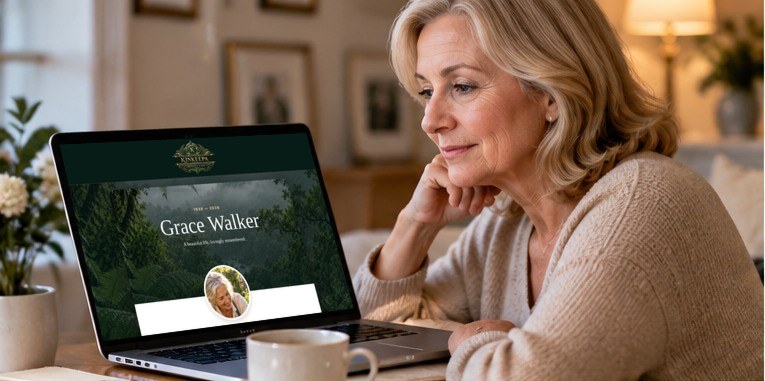
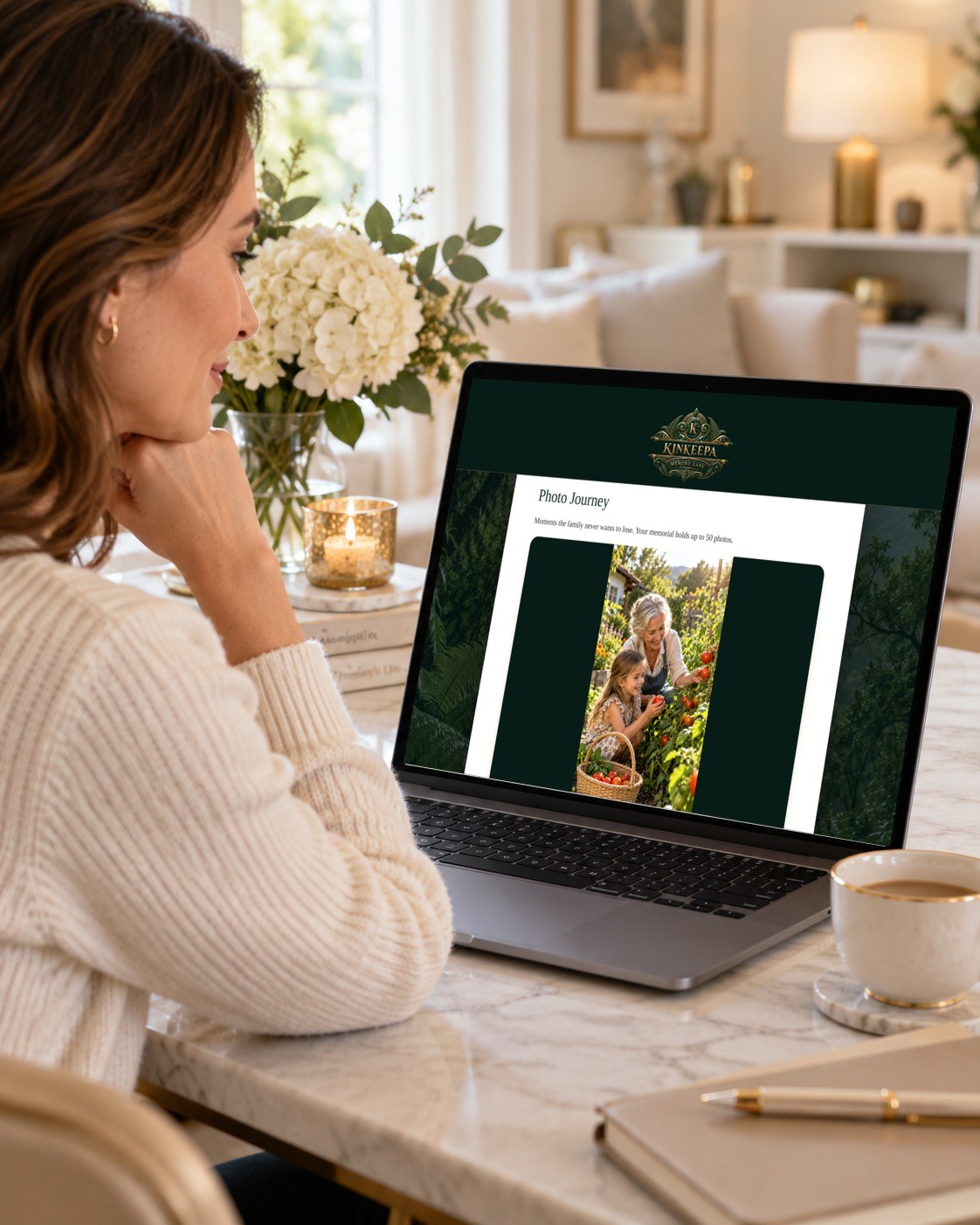
Woman viewing an illustrative KINKEEPA memorial for Margaret on a laptop

A quiet moment to remember

Revisit their photographs and life story in a personal memorial, whenever you want a moment of reflection.
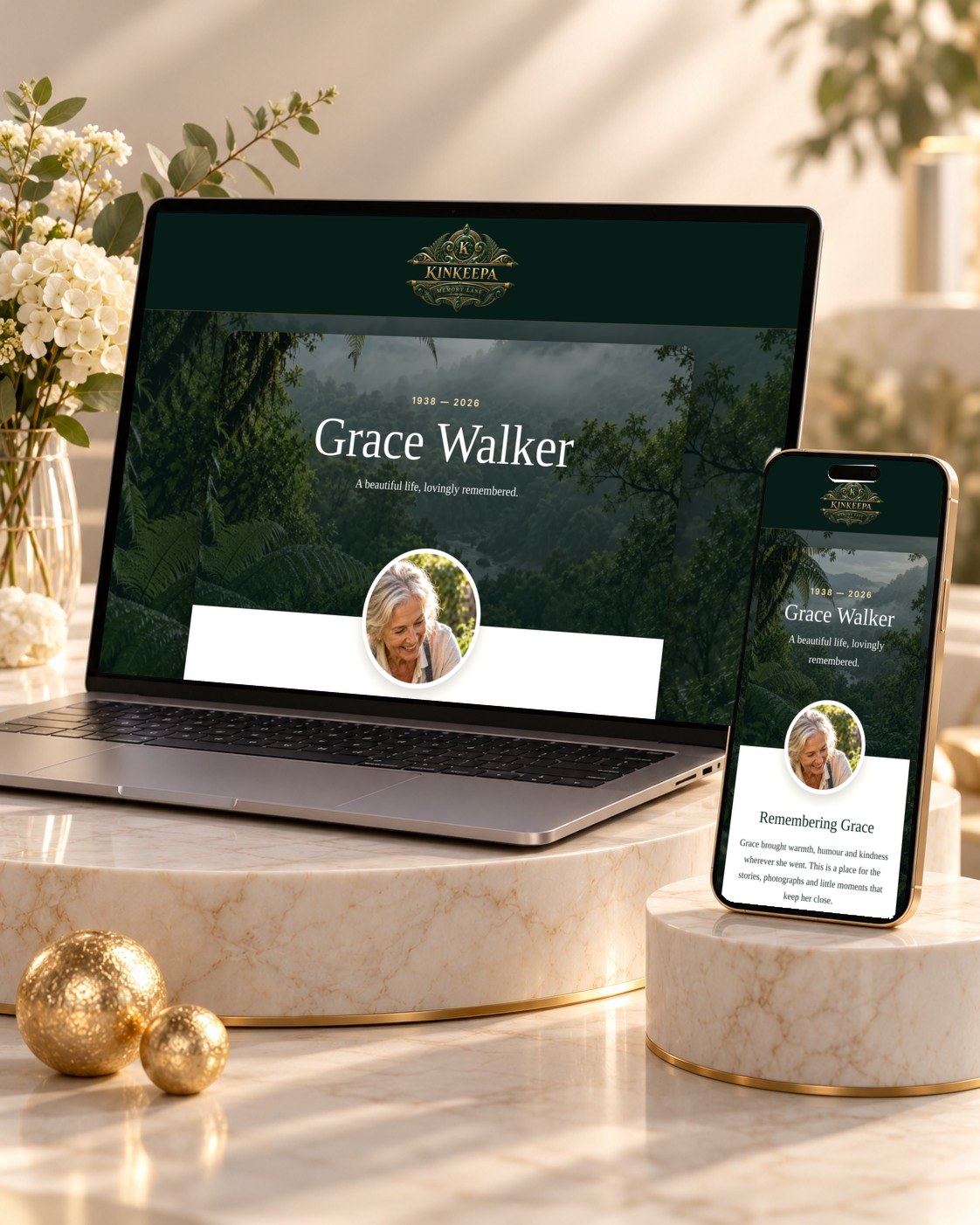
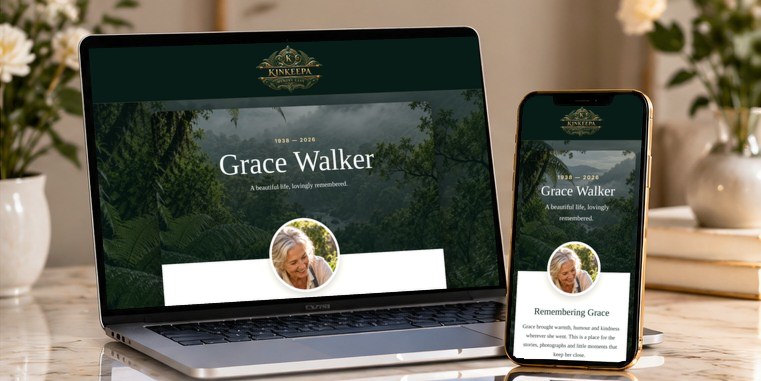
Illustrative KINKEEPA memorial for Margaret displayed on a laptop and phone

Their story, across your devices

View the memorial on a laptop or phone, with their photographs and story together in one place.

Illustrative memorial designs shown.

Questions before you begin

Do I need website or design experience?

No. The Studio includes numbered steps and plain-language guidance.

How will I receive access?

After payment, KINKEEPA emails a secure, single-use Studio link to your purchase address. If you lose it, recover access using the same email.

Can I add photographs and words?

Yes. Add a profile photograph and up to 50 active slideshow photos. Move saved photos to the Family Library to make room, then restore them without uploading again. Add stories, biography, milestones and sayings too.

Can we add favourite music?

Yes. Add a family-supplied Spotify, YouTube or other music link, or upload an audio file you have permission to share. You can also save a voice recording or record a family memory in Studio.

How do we share a private memorial?

Create a family invitation in Studio for read-only access to a private memorial. Each link works once and stops working after 7 days, and you can revoke access from Studio. You can also choose a public memorial.

Is this a physical product?

No. KINKEEPA is an editable digital memorial website. Nothing is shipped.

Is there a monthly fee?

No. It is a one-time A$199 purchase.

How long will the memorial stay online?

Your memorial stays online for at least 10 years from the date of purchase, with no extra fees. You can download a backup of your memorial’s details, photos, music and voice recordings at any time from your Studio. If KINKEEPA ever had to close, we would email every memorial owner at least 90 days beforehand so there is time to download everything.

What if I'm not happy?

Every purchase comes with our 14-day money-back promise. Just email support@kinkeepa.com within 14 days and we'll help or give you a full refund.

Our story

Why I created KINKEEPA

When I lost my parents, I went looking for a way to keep their story alive. I wanted somewhere my grandchildren, and one day their children, could visit to get to know them. I couldn’t find anything that felt right.

So I asked myself a simple question: what would a truly personal memorial look like to me?

After many late nights of planning, testing and refining ideas, with the help of modern AI tools, KINKEEPA was born. I’m proud to share it with every family who wants to keep the people they love close, for generations to come.

Derek, founder · Queensland, Australia

A meaningful gift

Gift a Friend

Give someone a KINKEEPA memorial so they can preserve the story of a person they love.

At checkout, add your friend’s name, email and a personal message. We’ll send them a warm gift email with their private Studio access, and send you the receipt and a confirmation.

A$199 one-time purchase · No subscription

Their memories deserve a lasting home.

Create a personal place where a life can be remembered through the stories, sounds and moments that mattered most.

By continuing to payment, you agree to our Terms & Privacy Statement. We never sell your photos or personal details.

Buy for Myself — A$199

Includes 5 free Family Keepsakes, worth A$58.75.

Gift a Friend — A$199

Includes 5 free Family Keepsakes, worth A$58.75.

Whether you’re remembering someone dear or giving a thoughtful gift, thank you for choosing KINKEEPA. We’re honoured to be part of something so personal.